Welcome to my HTML5 game project’s official website.
Below I will be posting periodic updates on my progress building this game. I will post short video clips and other information about the latest developments.
My plan is to use various libraries as needed. Up to this point, the languages/libraries that I have used to build this game are the following:
- JavaScript
- HTML
- Canvas
- Socket.io
- Express
- Matter.js
Update #1
Implemented basic forward and backward movement. I will improve this further by adding unique movement mechanics in the future.
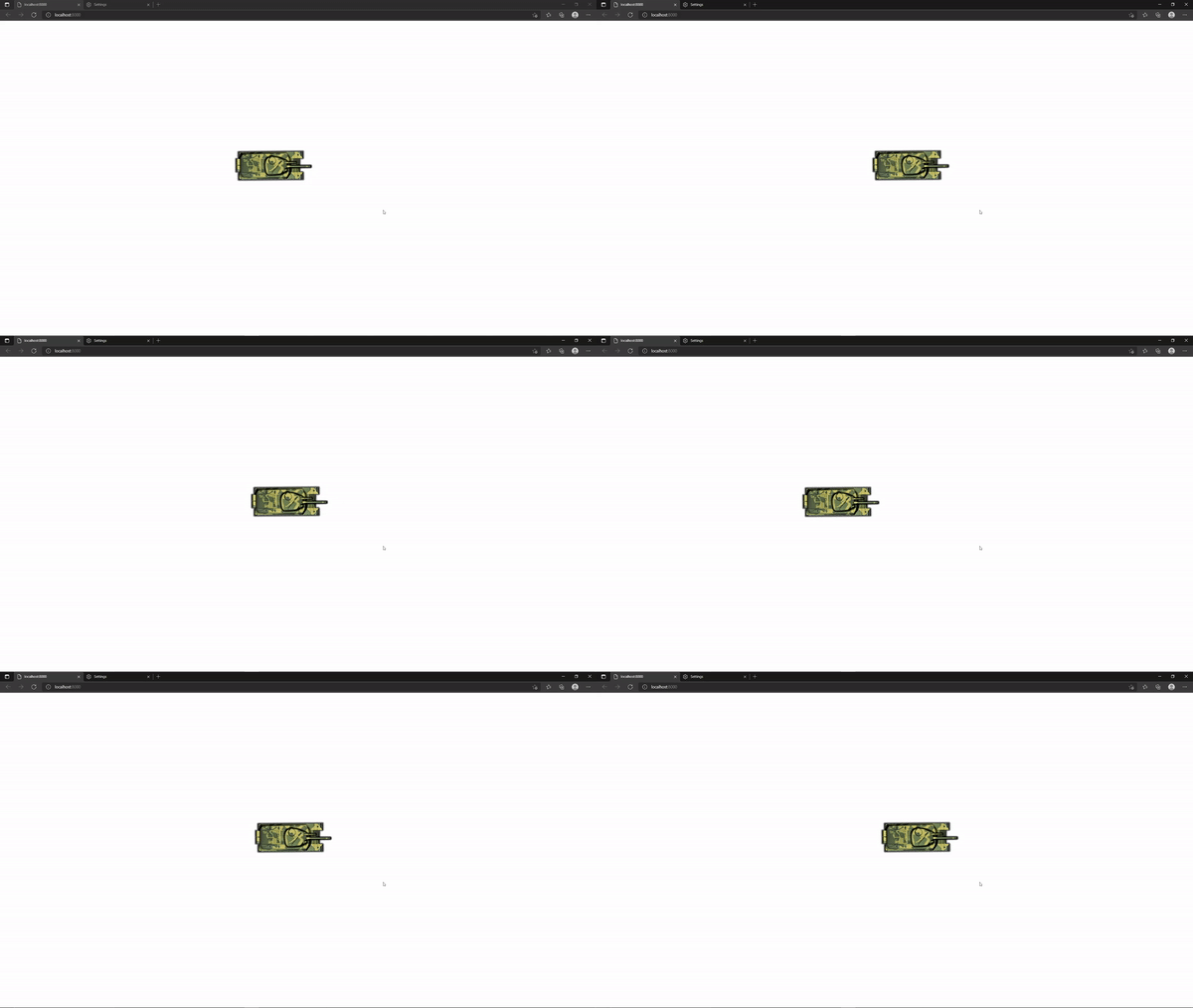
Update #2
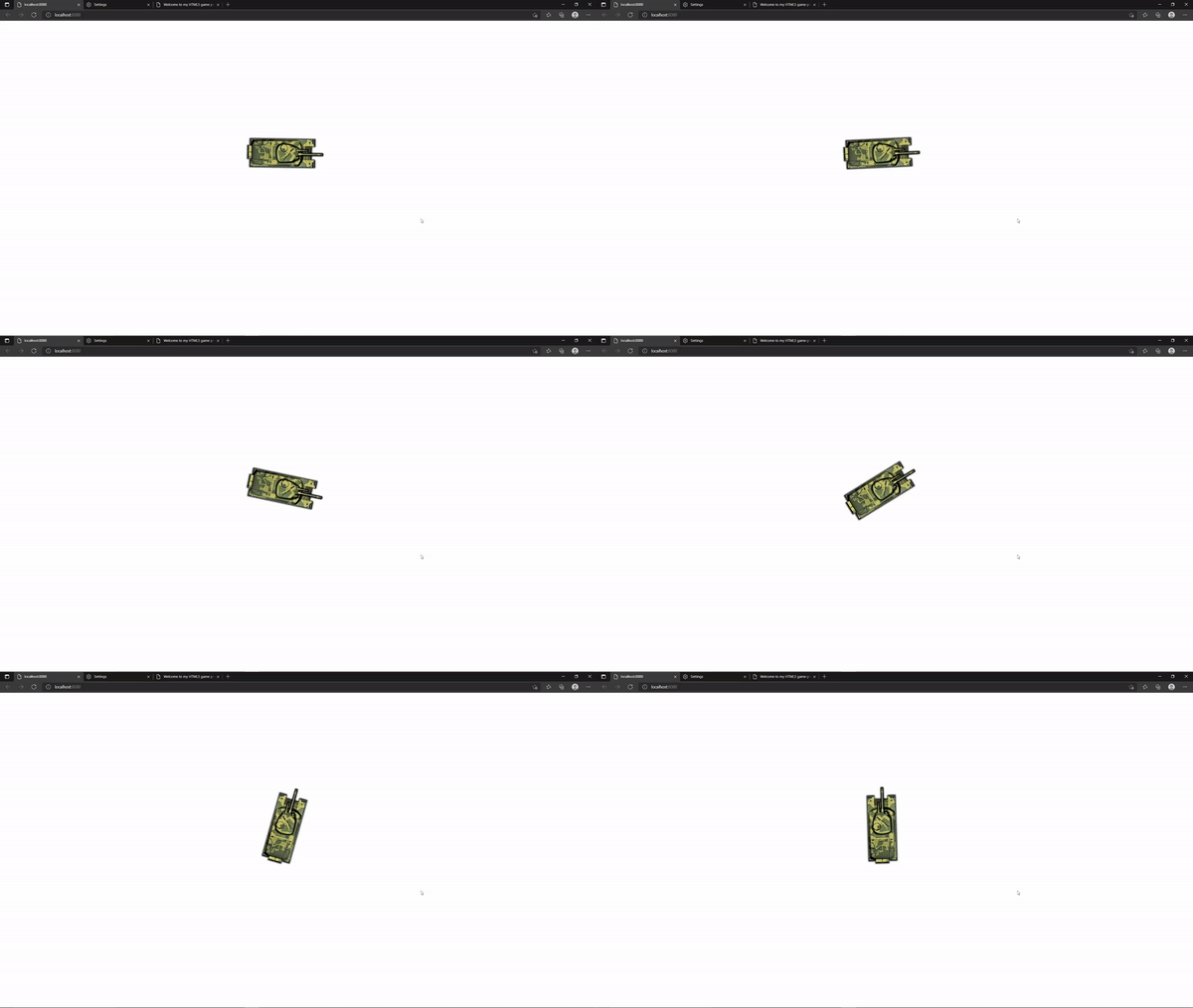
Implemented turning ability. As mentioned above, a better movement mechanic would drastically improve the gaming experience. Better game mechanics are currently in my TODO list for the future.
Update #3
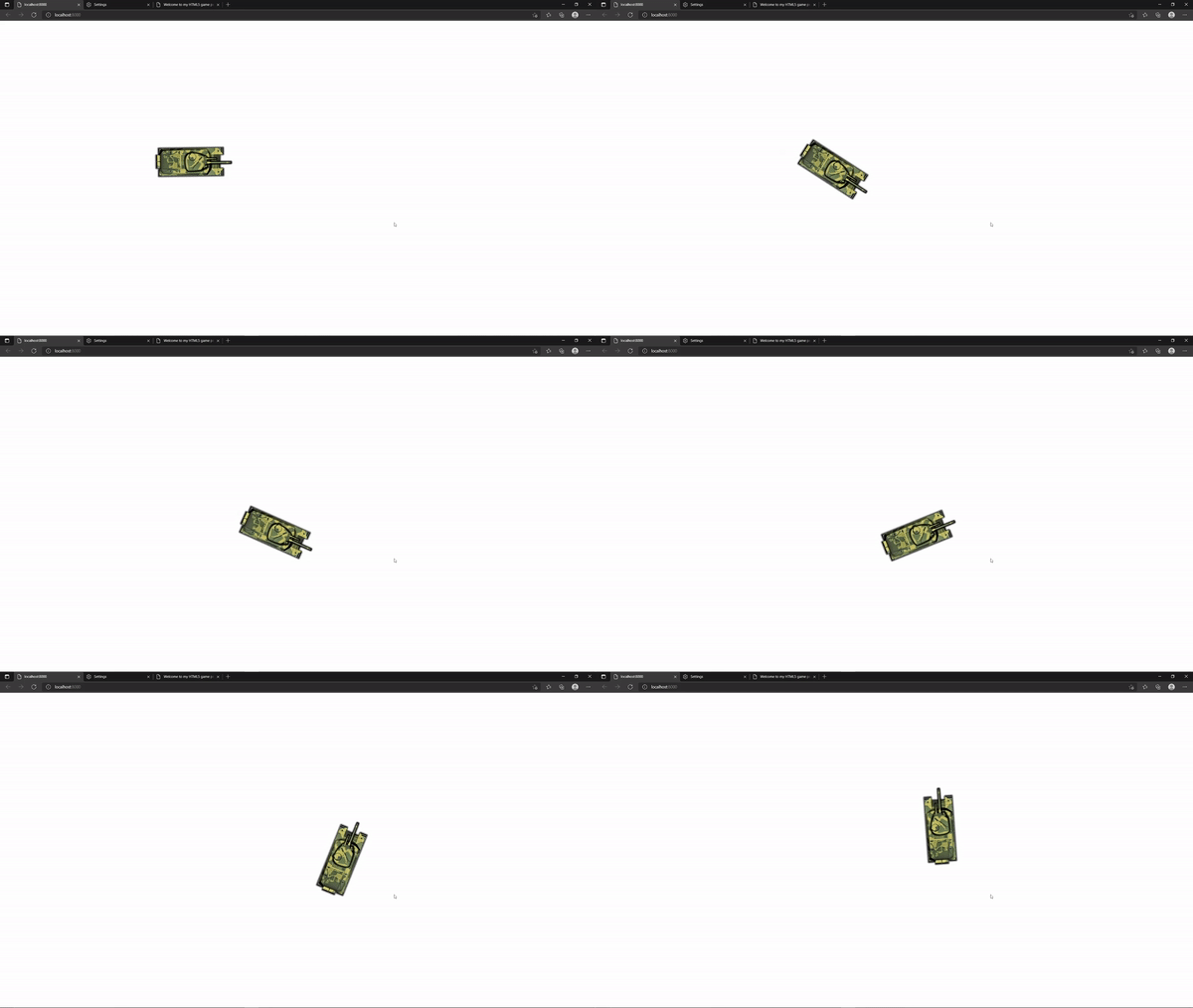
Basic movement is now completely functional.
Update #4
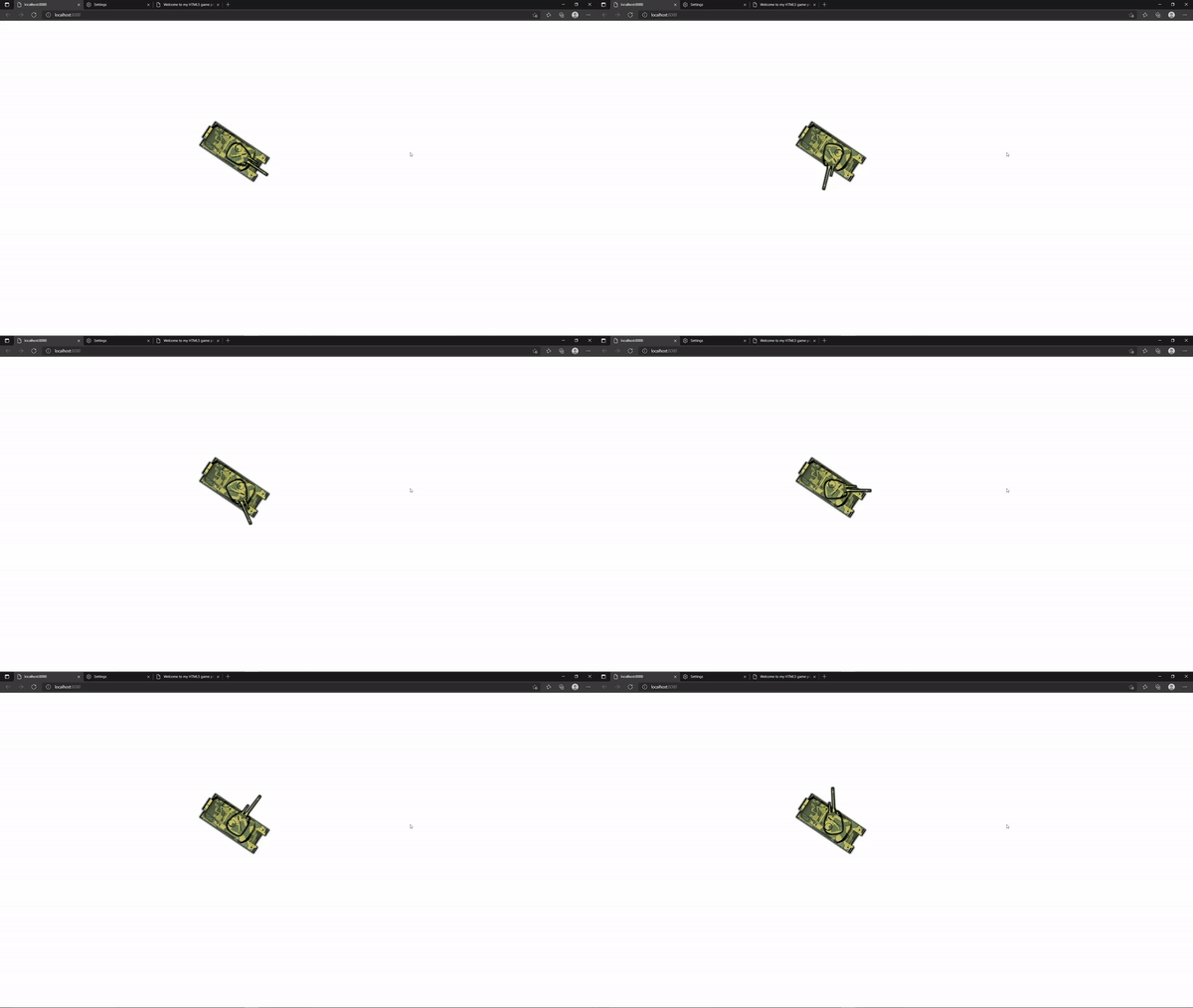
Turret can now rotate.
Update #5
Implemented a basic server socket and client socket using Socket.io library. This is the first of several steps needed to add multiplayer functionality to this game project. Socket.io library is easy to use and reliable, however it is less efficient for online games with greater than 100 players.
There are several web networking libraries available to chose from. WebSocket library is another option that can be used for TCP messaging.
For online games, using UDP protocol seems to be more recommened because, unlike TCP protocol, UDP does not block if some packets are lost. This will allow for faster multiplayer experience. In the future, I will update to a library that uses UDP.
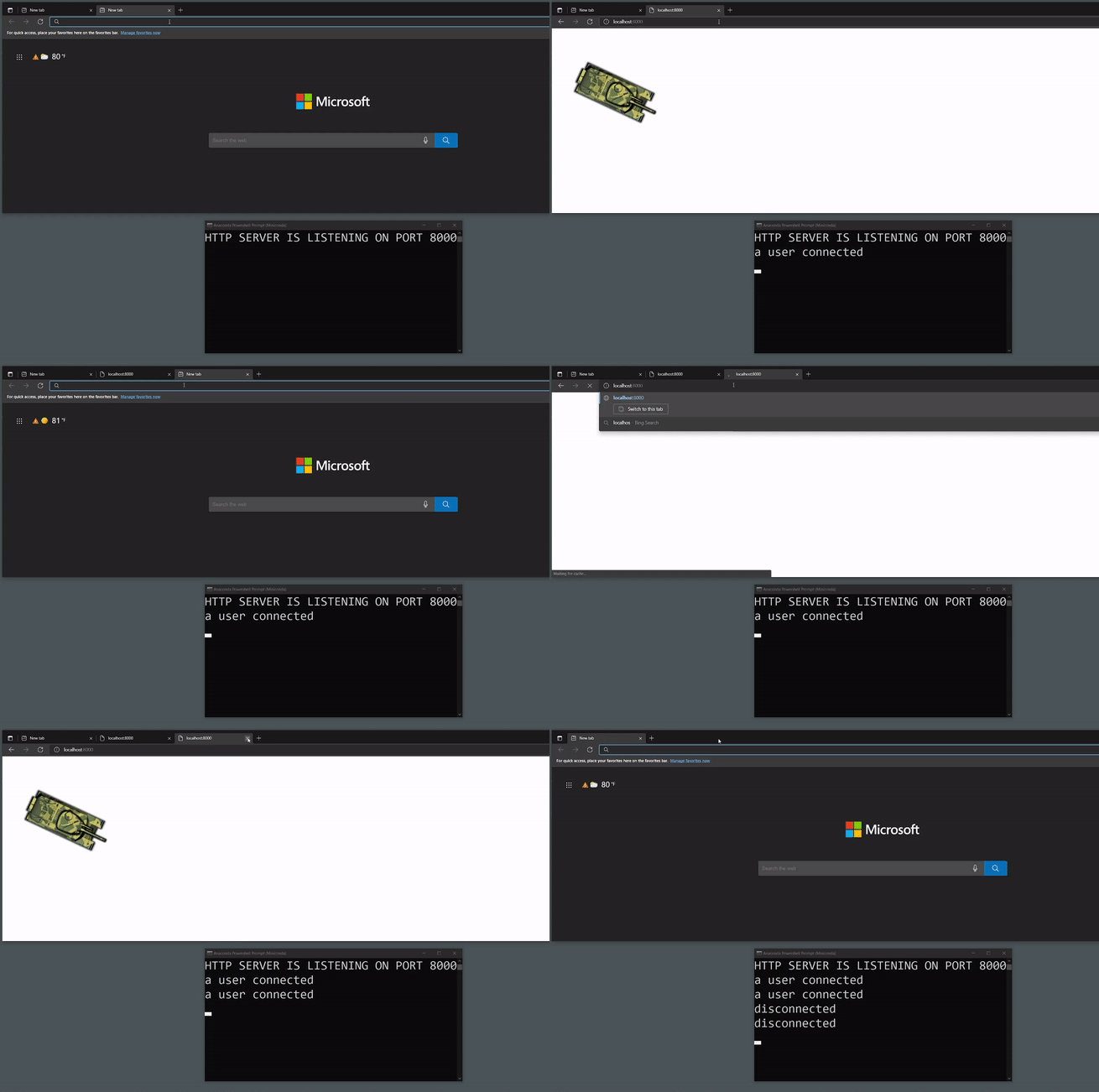
Update #6
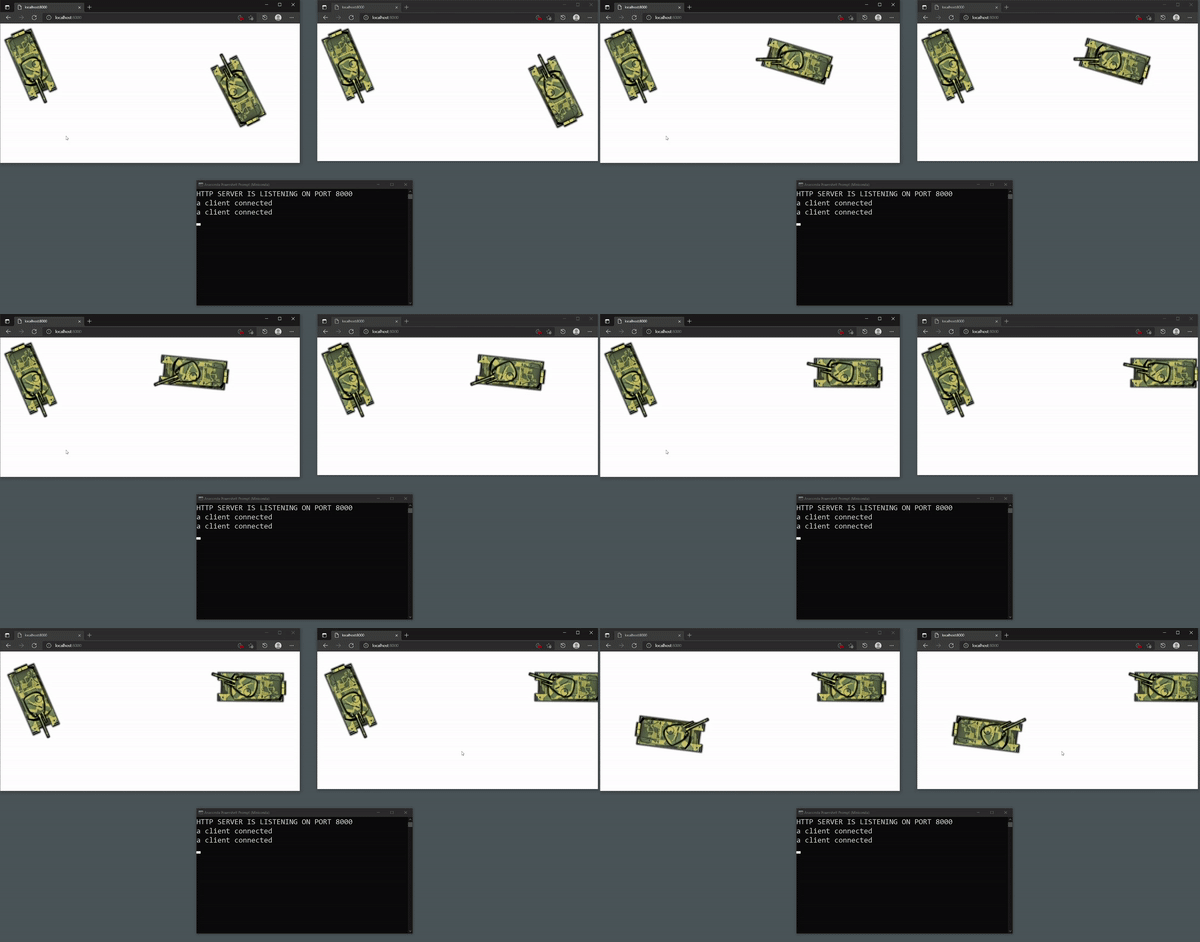
Multiple clients can now join and play in the same world from different computers on the internet.
To make this work, I have implemented a server program that all client programs can connect to. My server program is pretty thin, all it does is to sync clients.
As you can see below, there are two players using two different browsers (by the way, there can be more than just two players). Disregarding where the players are located physically, each player can see each other, move around each other, and share the same world, as long as they are connected to the internet.
Update #7
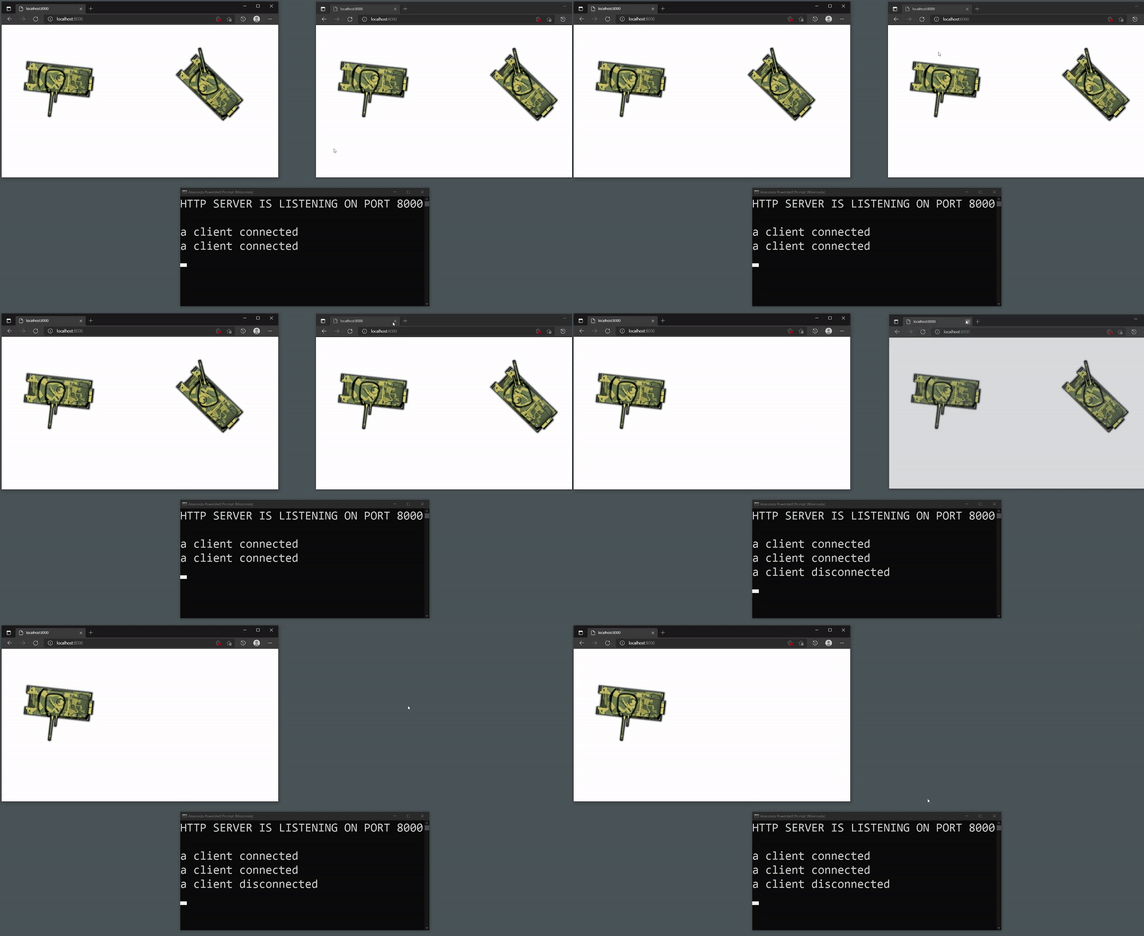
When a player leaves the game, every other player knows.
In the video clip below, player on the right leaves the server. This can be visually seen on the left.
Update #8
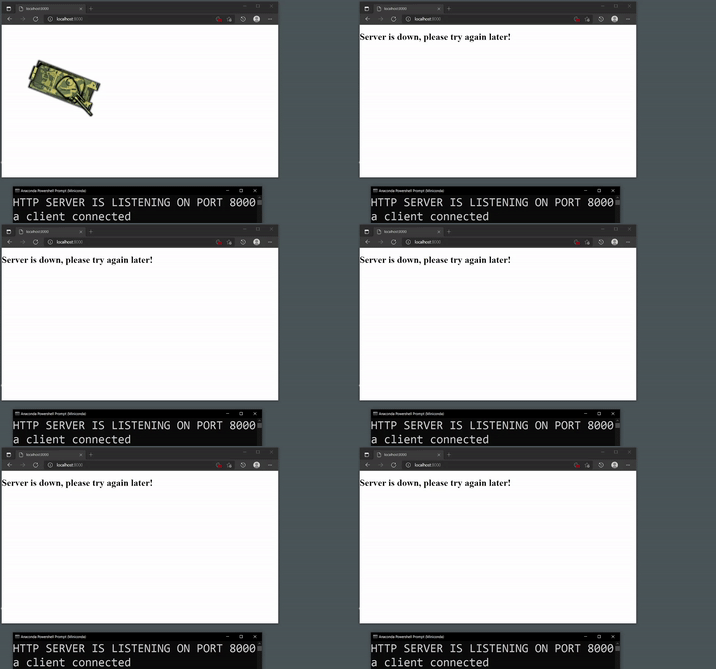
Players are informed when the server crashes. I pressed Ctrl C on the server program to simulate server shuting down.
Update #9
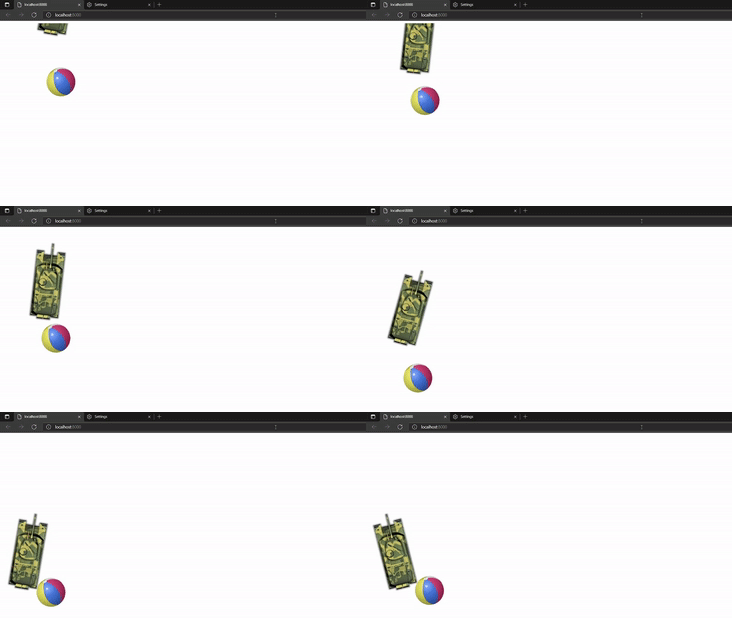
For this update, I used a physics library called Matter.js to introduce physics into this game. It was not an easy task to integrate physics into my existing code, but recently I have been making progress. Unfortunately, I had to break the multiplayer capability for now. Going forward, I will have to figure out a way to add physics for the turret as well. Once this task is complete, I will re-implement multiplayer capability. Matter.js provides a powerful and realistic physics, as can be seen in the video below.
Update #10
I have run into an issue while integrating Matter.js physics library. The physics body for the turret goes through other bodies once in a while. In other words, when the turret collides with another object, sometimes no collision happens, the turret goes right through the other object as if the object is not there. This is a problem with Matter.js library. I’m currently trying to fix this issue.
Update #11
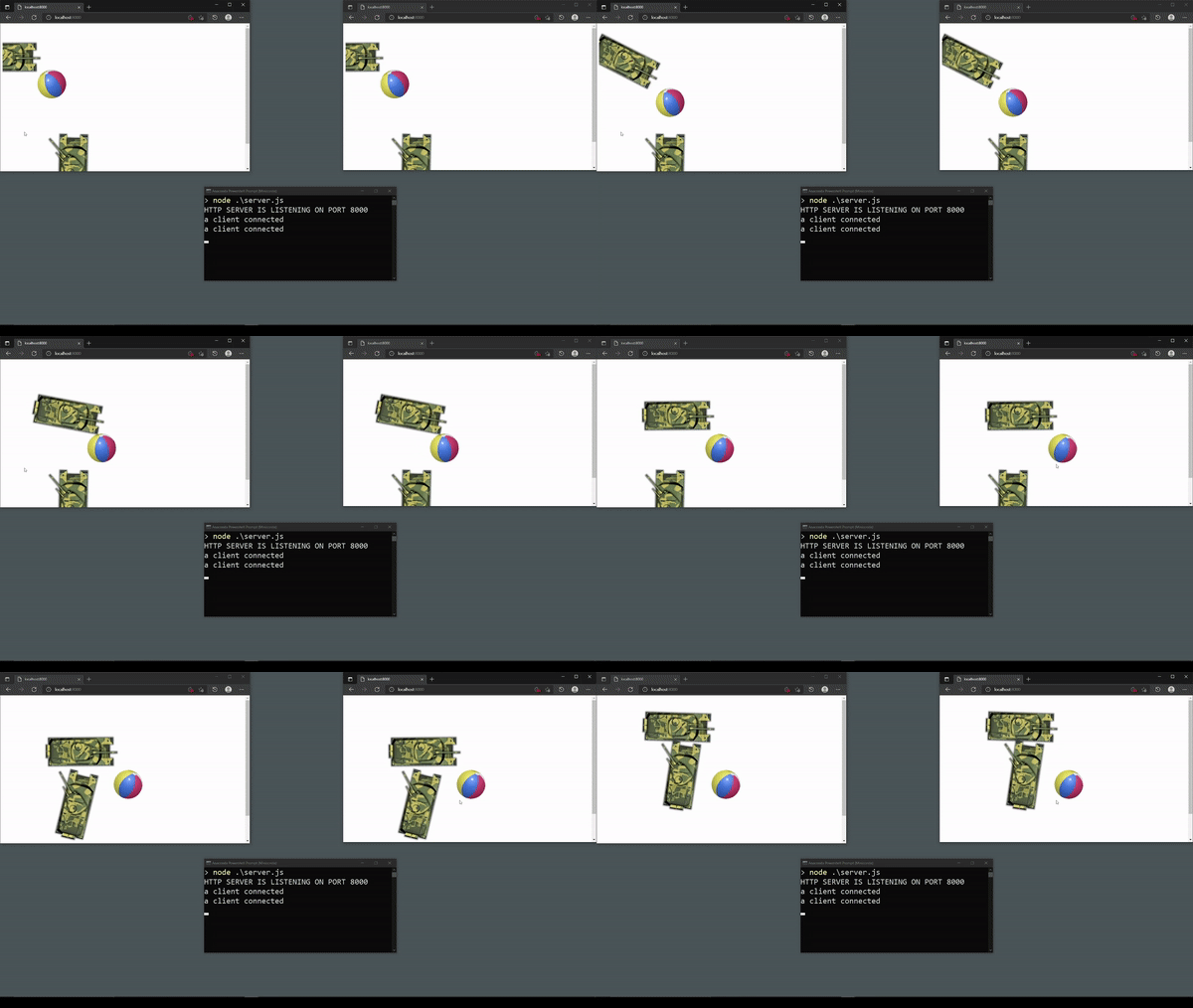
I have successfully added physics and brought back the multiplayer feature. Below you can see two players, playing this game online, using two different browsers. Notice how the world is seamlessly shared between the two players.
Regarding the issue I wrote about in Update #10, I do not think it is possible to fix this issue. For now, I will turn off the physics for the turret. Many mainstream games also lack physics for tank turrets.
Unfortunately, I have run into another issue. Whenever a browser is minimized, the browser cuts off communication with the server. I suspect this is a security feature of the browser. Going forward, I will have to research a solution for this.
Update #12
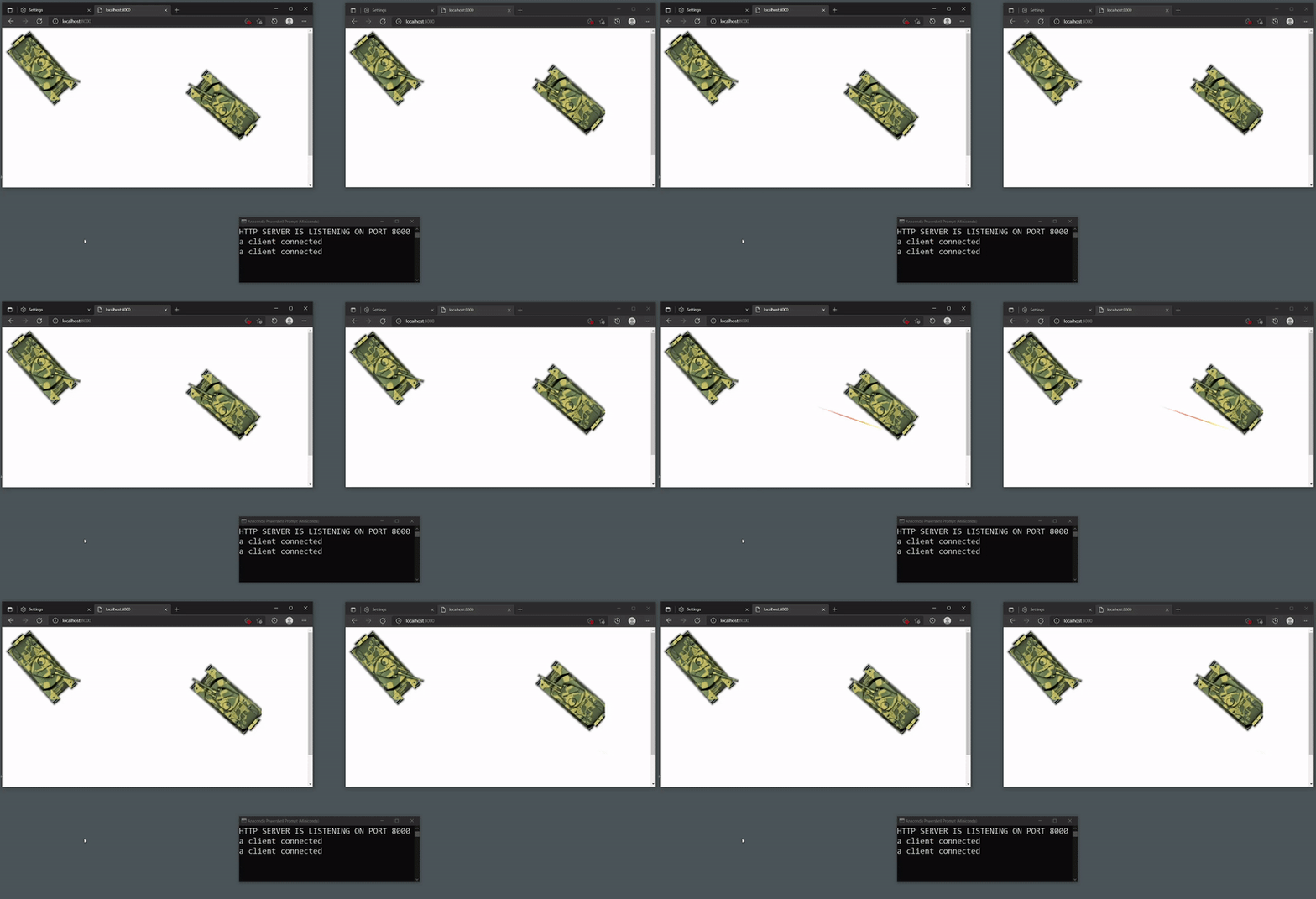
For this update, I’ve created prototype for a shell which can be fired from the turret. Notice how the fired shell ricochet at the target tank. Due to certain issues with the physics engine, I’m unsure whether to keep or remove ricochet feature.
Fire and impact animations will be added later.
Update #13
My current client-server architecture is code heavy on the client side. If you’ve been reading my previous updates, you’ve probably noticed that I have been having some issues. If I keep this architecture, I will be facing more issues in the future. This means that I will have to put more effort into ‘synching’ clients because every client runs a simulation of thier own.
So, for this reason, I have decided to change my client-server architecture completely. In the next few days, I will be moving code from the client-side to the server-side to create a light client and heavy server type of architecture. I’m not entirely sure this will work out, but I will give it a try anyways.
Update #14
I’ve completed the task above. Physics engine is now moved to the server side. Client side renders game objects and takes input from the user, for the most part. Server side will be doing the rest. So, I’ve successfully changed my architecture strategy to an authoritative server and thin client. This strategy is working out really well so far.
Next, I will be working on animation in general. Once complete, I will provide a video demonstration.
Update #15
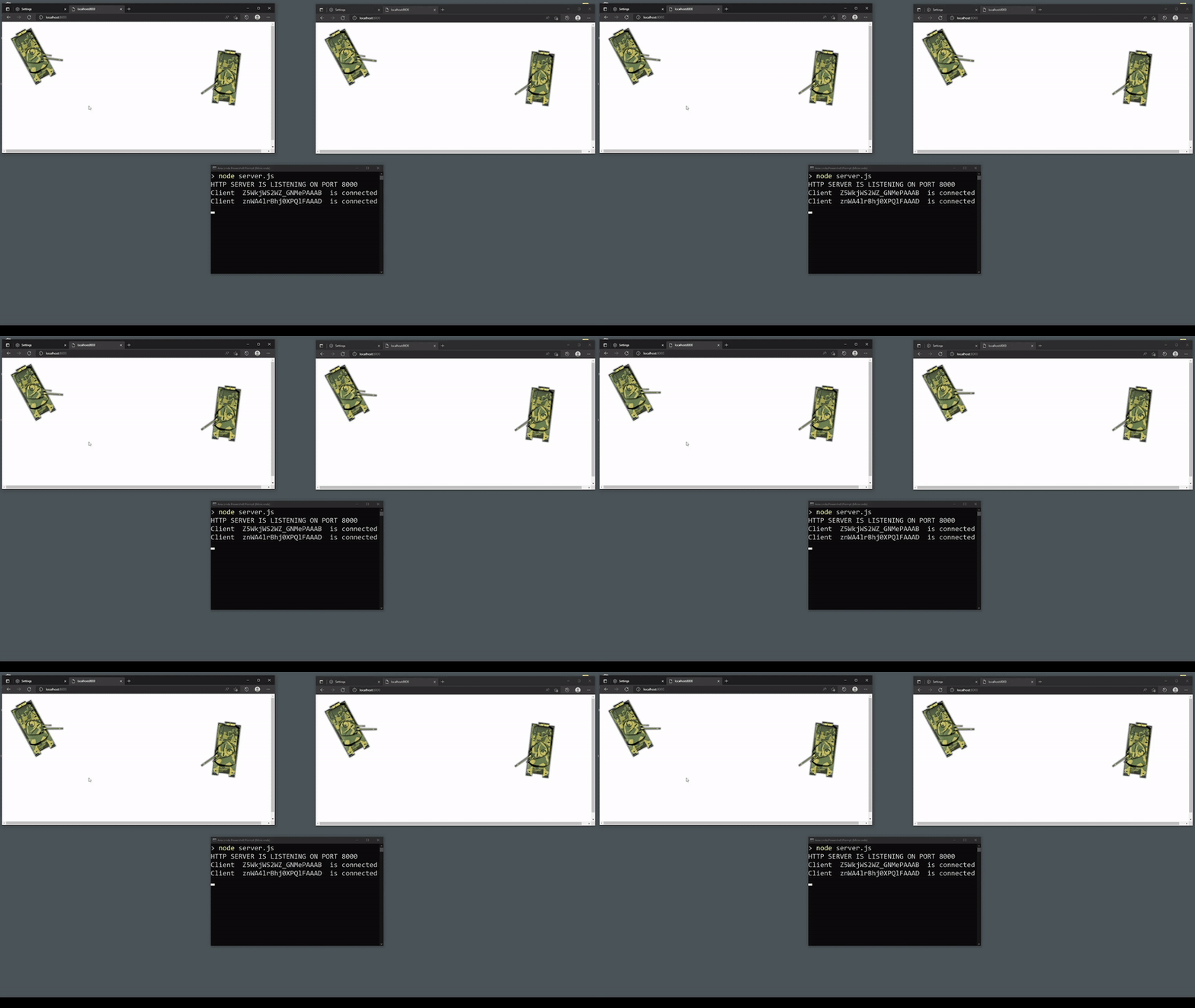
Created an animation system that can be used to animate various spritesheets needed for the game. As can be seen below, upon impact a shell switches from airborne animation to hit animation.
Update #16
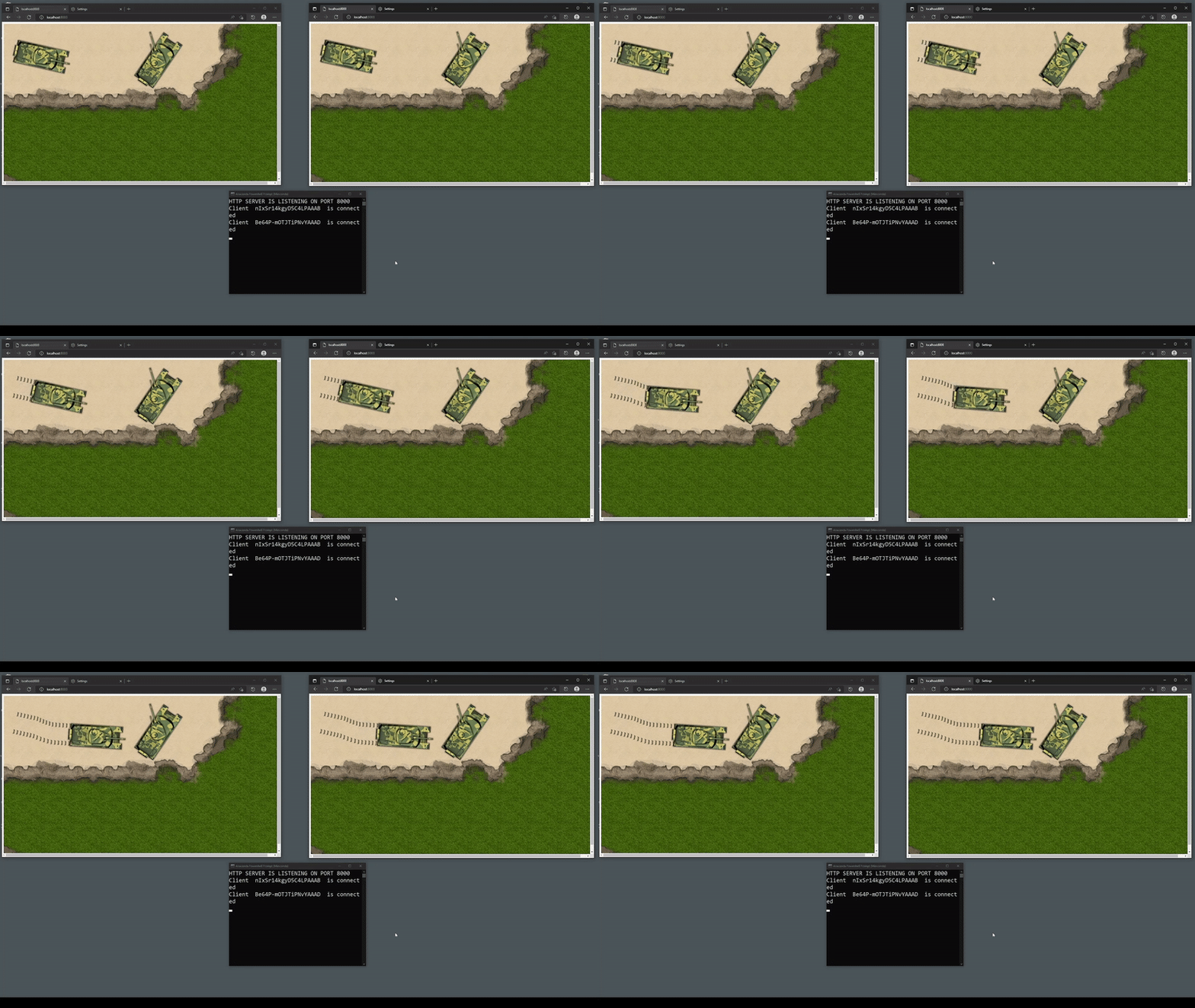
For this update, I have added track tread marks for the tank and also started working on movement mechanic. Check it out below.
Update #17
I figured out how lerping movement works, and I applied it to forward, backward and rotation so far. In multiplayer games, lerping is useful because it allows the clients to continue moving smoothly while waiting for new data to arrive from the server.
I’ve also made it possible so that when a player is destroyed, he is able to see the rest of players and other happenings in the map. In other wrods, when a player tank is destroyed, he can no longer affect the game, but he is able to continue as a spectator.
In addition to above, I discovered and corrected some major bugs.